A completed backup job answers one question: did the backup process finish? A CRM recovery rehearsal asks a different question: can the team use the recovered system without losing context, exposing restricted records or repeating work that already happened elsewhere? This guide sets out a review method for an authorised technical owner and a business reviewer. It is not a set of commands for restoring a live system.
Define what the recovery exercise must prove
Choose a specific recovery scenario before selecting a backup. Recovering an accidentally removed record is different from recovering an unavailable application. Write down the intended scope, who can authorise the exercise and what remains outside it. If a supplier controls restoration, agree the test environment and evidence it can provide before booking the exercise.
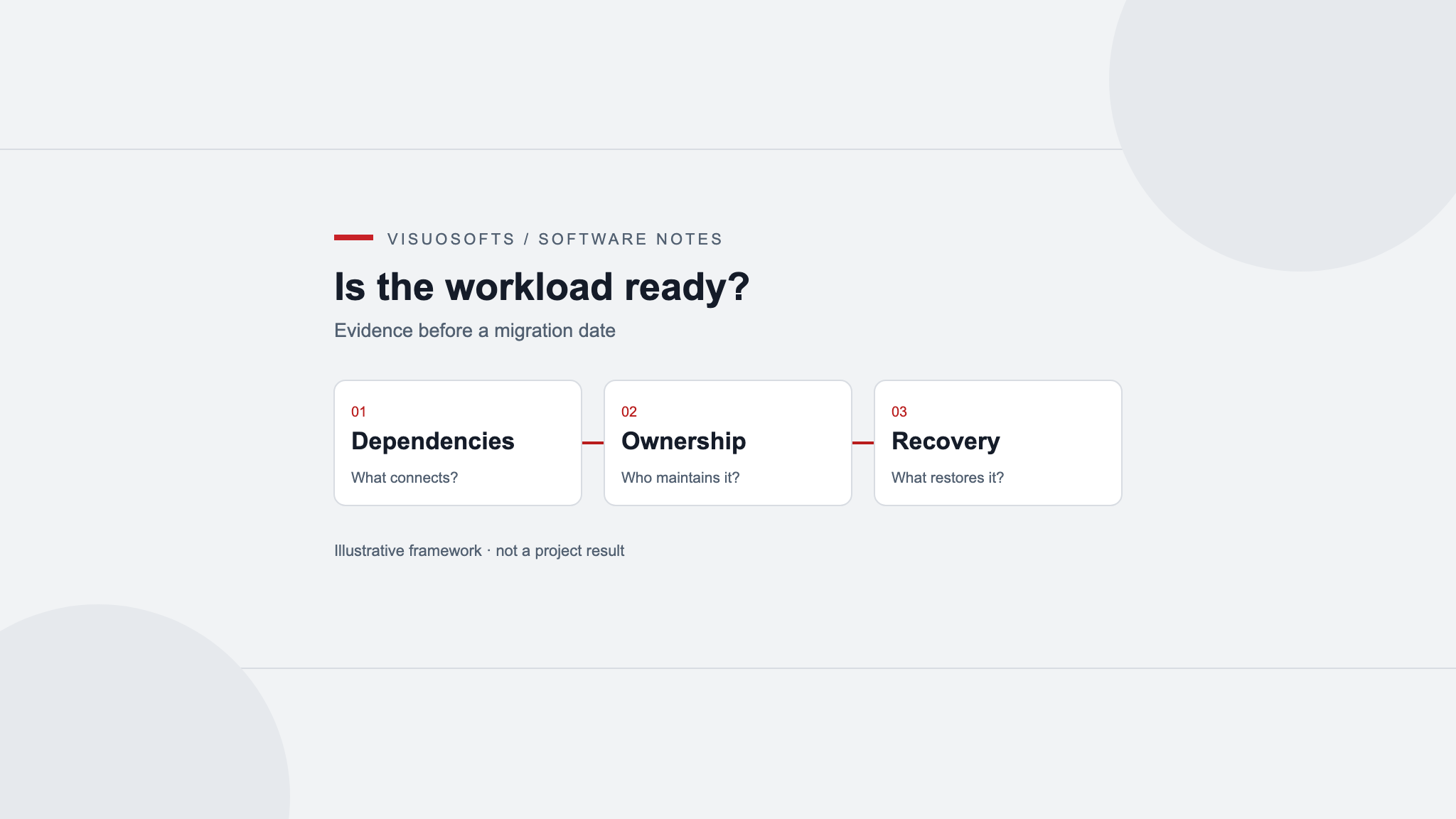
Inventory the components needed for useful work: customer records, relationships, attachments, activity history, ownership, access rules and configuration. Identify separately stored files and external services. A contact export should not be assumed to contain the application configuration or documents required to rebuild a working CRM.
The NCSC's backing-up guidance recommends knowing how to restore backups and checking that important data is included. For a CRM, turn that principle into an explicit coverage list. Mark each component as included, recovered separately, excluded or not yet confirmed. An unknown is a question for the owner, not a pass.
Agree the recovery point and decision owners
Record the backup reference and the point in time it represents, including the time zone. Distinguish this from when the backup job finished or when someone downloaded it. Ask the technical owner how related components remain consistent if their backups were taken at different times.
The business owner should define the acceptable gap in recoverable work and the time available to regain the required functions. These are planning requirements, not promises that a particular backup can meet. During the exercise, measure preparation, restoration, validation and reconciliation separately. A fast database restore can still leave hours of unresolved business checks.
- The technical owner selects the supported restoration procedure and records its limitations.
- The business reviewer decides which working journeys must pass.
- Integration owners identify external actions that must remain paused.
- A named decision owner accepts the evidence, restricts the scope or requests another rehearsal.
Keep the rehearsal separate from live operations
Have the authorised operator establish an isolated environment before loading recovered data. Confirm how outbound email, scheduled jobs, webhooks and other external actions are prevented from reaching live destinations. A different website address alone does not demonstrate isolation: restored configuration may still refer to production services.
Use approved access controls for any real customer data in the rehearsal. Where synthetic records can test a behaviour, use them; where actual recovered records are necessary to validate completeness, restrict the evidence to what the reviewers need. Reports should reference protected artifacts rather than copying credentials or unnecessary customer details into tickets.
Record the environment identity and the isolation checks. If isolation cannot be established, stop and resolve that prerequisite. This exercise does not authorise replacing production data, reconnecting integrations or deleting the source backup.
Test connected records, not just totals
Start with counts appropriate to the agreed scope, then test representative working journeys. Matching totals can conceal broken relationships or inaccessible files. Select examples deliberately: an account with several contacts, an open opportunity, an attachment, a restricted record and an activity near the recovery point.
- Find the account. Confirm that search returns the intended record and that contacts and opportunities link to the correct parent.
- Read its history. Check the expected activities, original dates, authors and ownership against the chosen recovery point.
- Open a document. Confirm that the attachment is available and belongs to the record, rather than accepting a filename as proof.
- Check restricted access. Test both a permitted user and a role that should be denied, including attachment access.
- Inspect pending work. Identify queued actions and establish which would run if processing resumed. Do not send them simply to complete the test.
Record expected and observed results separately. “Account opens” is weaker evidence than naming the relationship, document or permission that was checked. Keep missing material visible even when the rest of the journey works.
Reconcile the period after the backup
The recovered CRM represents an earlier state; connected systems may not. An order may have been accepted, an email sent or a contact preference changed after the backup point. Restoring the CRM does not reverse those events.
Identify the affected interval and the authoritative evidence available for it. Give each unresolved item an owner and a disposition: confirmed already completed, needs an approved update, intentionally excluded or still uncertain. Do not treat the absence of a local completion marker as permission to repeat an external action.
This is the boundary between restoring data and recovering operations. The CRM integration monitoring runbook covers reconciliation and controlled replay in more detail. Keep the rehearsal focused on proving that the restored system can reach that decision point with intelligible records and processing still contained.
Keep a recovery test record someone else can review
Use a short record for each test: scope, backup reference, environment, recovery-point timestamp, expected result, observed result, evidence reference, reviewer and unresolved issue. Record elapsed times as observations from this exercise, not a guaranteed future recovery time.
For an attachment test, the expected result might be “the authorised reviewer can open the selected document from its account; the restricted role cannot”. The evidence should identify the test and its outcome without exposing the document unnecessarily. This is a suggested test definition, not a customer result.
Conclude with a bounded decision. Accept the tested scope, accept only a clearly stated subset, or hold for corrective work and another test. An untested component remains untested even if every other check passes. Give each limitation an owner so it does not disappear into a general “backup verified” label.
Maintain the rehearsal as the CRM changes
Review the exercise when storage, permissions, integrations or the recovery arrangement change. Agree a review schedule based on the system's needs and supplier responsibilities rather than adopting a universal interval without examining the risks. Record how the temporary environment and evidence will be handled under your approved data-handling procedures.
For a planned move between systems, use the CRM data migration checklist; it addresses mapping and cutover rather than recovery from a backup. Include the recovery evidence in your CRM operational handover so responsibility survives the original project team.
CRM recovery rehearsal questions
Does a successful backup notification prove the CRM can be recovered?
No. It reports a backup-process result. A rehearsal checks the agreed recovery scope, usable records, attachments, access and unresolved work.
Can we use a contact export instead of a full recovery test?
An export may help recover selected data, but its coverage must be checked. Do not assume it includes relationships, attachments, permissions or application configuration.
Who should perform the restoration?
An authorised technical owner or the responsible supplier should follow the supported procedure. Business reviewers verify the working journeys without taking on technical actions outside their authority.
Should integrations restart as soon as the CRM opens?
Not automatically. First review queued work and changes outside the recovered system, then obtain the required authorisation for a controlled return to processing.
What should the final recovery report contain?
Include the tested scope, recovery point, observed timings, expected and actual results, evidence references, limitations and the named acceptance decision.
Turn recovery uncertainty into a scoped discussion
Bring your component inventory, recovery responsibilities and unresolved test questions to a discussion about CRM development. Contact Visuosofts to discuss the scope; backup coverage, recovery access and support commitments need explicit agreement for the actual system.