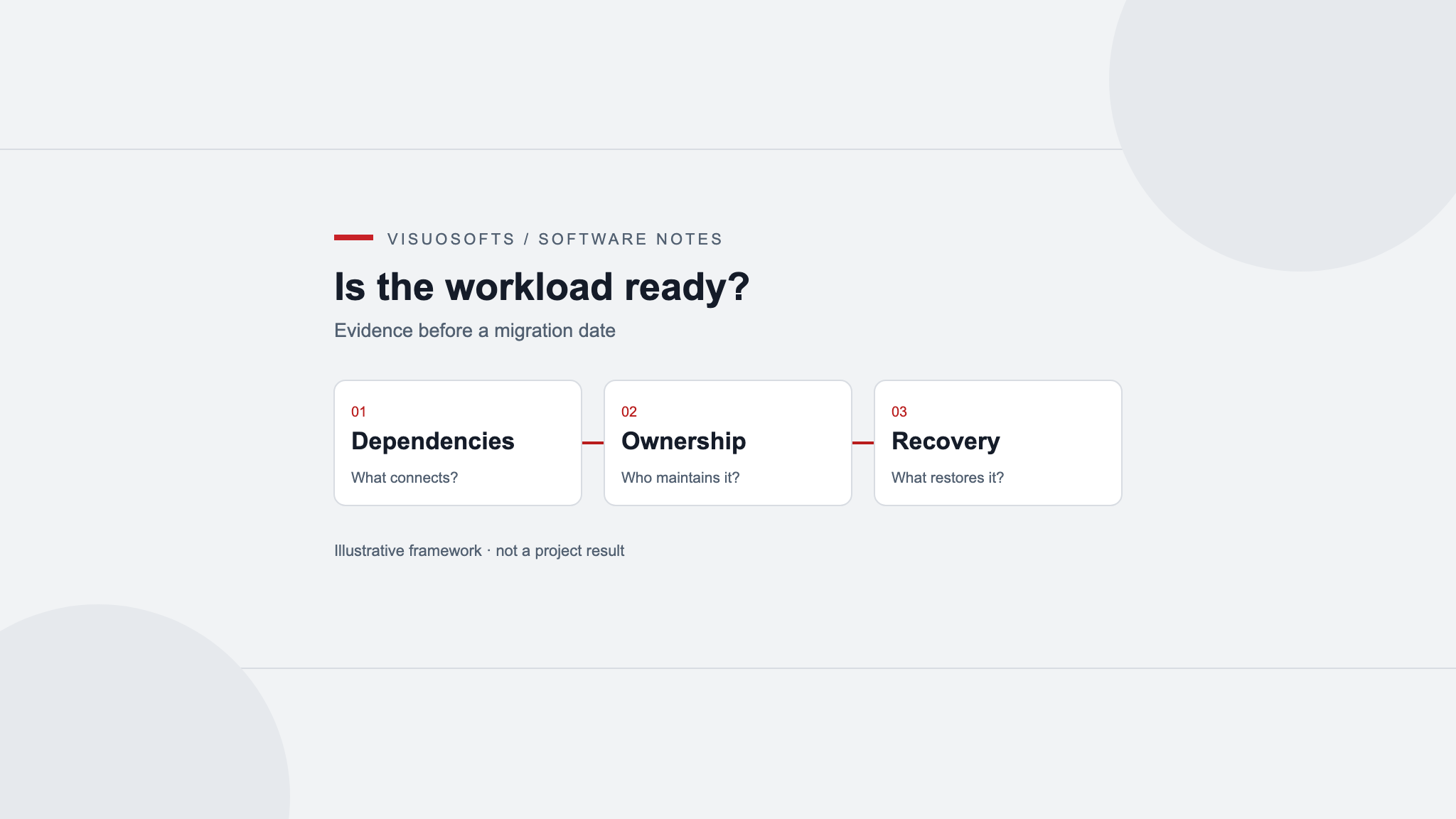
Cloud migration readiness asks whether a workload can be operated successfully in a proposed environment. It is different from deciding how to copy data or schedule the final switch. A migration can move the application correctly while leaving the business with unclear access ownership, unsuitable dependencies or unexpected operating demands.
Assess one workload at a time, including the people and services it depends on. The outcome should be a reasoned decision to proceed, prepare further, change the approach or retain the current arrangement for now.
Define the reason for moving
Write the problem the migration is intended to solve. Examples might include an expiring hosting arrangement, unreliable provisioning or a need for different recovery options. Avoid treating “move to the cloud” as the business outcome itself.
Hypothetical example: a distributor runs a document-generation application on an ageing office server. Staff want reliable remote access and a clearer recovery process. Those needs do not automatically require rewriting the application or adopting the largest available set of managed services.
Set a comparison baseline for the present workload: usage patterns, storage growth, important dependencies, observed interruptions and current support effort. If the baseline is incomplete, name the gaps. A proposed improvement cannot be assessed honestly against an invented starting point.
Discover dependencies beyond the main application
Inventory scheduled jobs, file shares, identity services, mail delivery, local devices and external connections. Observe how staff complete an ordinary task and an occasional task such as a month-end export. Ask where files go after the application produces them.
For the hypothetical distributor, document generation might depend on locally installed fonts, a network folder and a printer in the warehouse. Moving only the web application could break the complete process even if its login page works.
Record each dependency's owner, connection method and tolerance for delay or interruption. Identify hard-coded addresses and assumptions about being on the same network. Use those findings to decide what can move independently and what requires redesign or continued connectivity.
Match responsibility to the selected services
A managed service changes operating responsibilities; it does not remove the need to assign them. AWS's shared responsibility model explains that customer responsibilities vary with the services selected. Use the relevant provider's documentation to establish the actual division for your proposed environment.
Create a responsibility table for identity, configuration, application updates, data access, backup policies and incident response. Name the person or team responsible for each activity. Do not assume a provider maintains your application simply because it maintains the infrastructure beneath it.
Verify business-controlled account administration and recovery. The team needs a supported way to regain access when an individual leaves or loses a device. Keep credentials out of the readiness document while recording where authorised administrators manage them.
Test compatibility before making a schedule
Identify runtime, operating system, database and licence dependencies. Confirm support against the versions and services actually proposed. Where documentation does not resolve an important uncertainty, plan a small experiment with a clear pass condition.
Test file behaviour, scheduled processing and external connections in a representative non-production environment. Include the operational output, such as a correctly rendered document, rather than stopping at successful application startup.
Separate confirmed compatibility from assumptions awaiting access. If a provider account, network path or supplier approval is missing, record the dependency as unresolved. A provisional design should not become a firm migration date merely because a diagram looks complete.
Assess recovery needs in business terms
Ask how much interruption the workflow can tolerate and how much recently created information the business could reconstruct. Identify the tasks that must continue manually during an outage and the point at which that workaround becomes impractical.
Compare those needs with the proposed backup and recovery design. Define what will be restored, where it can run and how the result will be checked. Availability features and backups answer different questions; neither should be assumed to cover the other's purpose.
For the fictional document application, restoring records without required templates or fonts may not restore the service. Include configuration and supporting assets in the recovery scope. Keep external effects, such as already sent documents, visible when considering retries after recovery.
Build a cost model around usage assumptions
List compute, storage, data movement, backups, logging, support and any retained services. Obtain current provider inputs for the proposed configuration rather than using a generic cloud price. Record expected usage and the source of each assumption.
Include transition costs: parallel environments, investigation, staff training and changes to connected systems. A steady-state estimate alone does not describe the resources needed to get there. Keep internal effort separate from supplier expenditure where that helps the business plan capacity.
Test scenarios such as larger files, longer log retention or a second environment. Decide who monitors consumption and investigates an unexpected increase. A budget alert is useful only when someone knows what it means and which actions are available.
Use explicit readiness gates
AWS readiness assessment guidance connects gathered information with documented observations and next steps. Its process is one approach, not a universal timetable. For an individual workload, make the evidence and unresolved decisions explicit.
Before authorising migration planning, review a short evidence list with the workload owner and technical team:
- The business purpose and current baseline are understood.
- Critical dependencies have owners and a tested or documented migration path.
- Access, configuration and incident responsibilities are assigned.
- Material compatibility questions have evidence or an owned investigation.
- Recovery requirements and a verification approach are agreed.
- Cost assumptions, transition effort and consumption ownership are visible.
A gate can remain open without stopping every useful activity. State which decision it blocks and what evidence will close it. Avoid averaging unresolved critical dependencies into an overall reassuring readiness score.
For technical unknowns, read the PoC, prototype and MVP comparison. Once readiness is established, the existing migration cutover guide covers transition planning. Discuss application requirements through Visuosofts' application development service, or contact the team with your workload inventory and unresolved readiness decisions.
Cloud readiness questions
Is readiness assessment the same as a cutover plan?
No. Readiness assesses whether the workload, dependencies, responsibilities and constraints are understood well enough to plan. Cutover planning then addresses the transition, authoritative data, verification and recovery during the switch.
Does a managed service remove application maintenance?
Not automatically. Responsibilities depend on the selected service. Confirm who owns application updates, access policies, configuration, data and incident response using the provider's documentation and your support agreement.
Is having a backup enough to pass the recovery gate?
No. Define the required recovery outcome and how to verify it. Records alone may not restore a working application if templates, configuration or connected services are missing. Record unresolved restore evidence instead of treating backup existence as proof.
What if a critical dependency cannot yet be tested?
Keep that dependency unresolved, name its owner and state which decision it blocks. Other bounded preparation can continue, but a successful substitute or diagram should not be presented as compatibility evidence for the unavailable system.