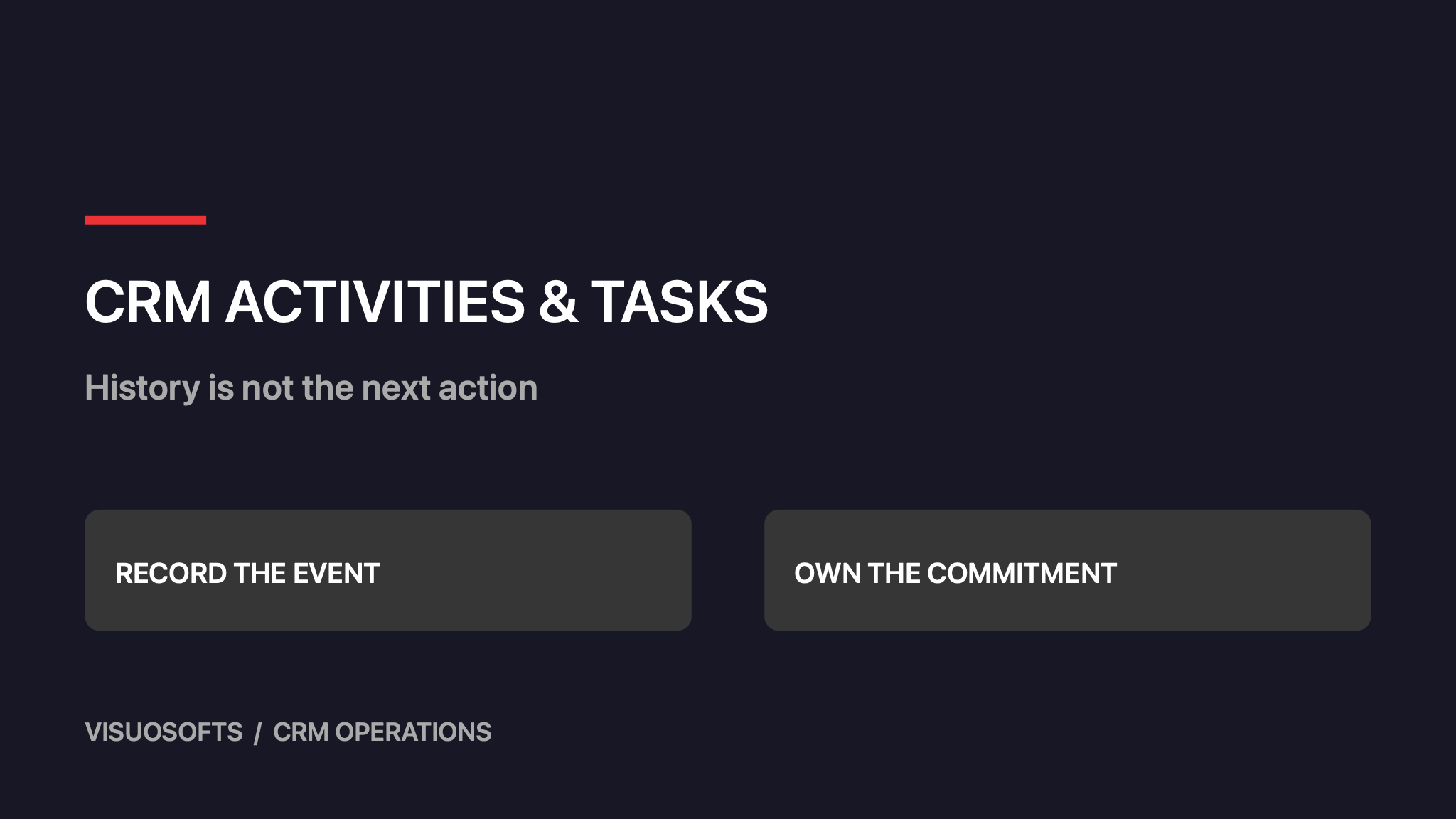
CRM activities and tasks should explain both what happened and what happens next. A recorded telephone call belongs in the history; a promise to send revised specifications belongs in an owned task. Mixing the two leaves busy records with no clear next action. Design the distinction around commitments your team can actually fulfil.
Separate evidence of work from a commitment to act
An activity records an interaction or event: a meeting took place, a customer replied or a quotation was sent. A task describes unfinished work with an owner and a completion condition. A single customer call can produce one activity and several tasks, but those tasks should not automatically count as additional customer interactions.
Define completion in terms of an outcome. “Follow up” leaves the next person guessing. “Ask the buyer to confirm the required quantity and record their answer” is specific enough to complete, delegate or explain as blocked. Keep the task short, with supporting detail linked from the relevant customer or opportunity record.
Give each task a primary business context
Link the task to the record that explains why it exists. A quotation clarification usually belongs to an opportunity; an address correction may belong to an account. Related contacts can appear alongside that link. Avoid making the same task into separate copies under every connected record, because one copy may close while another remains overdue.
Decide how tasks behave when their parent record changes. Closing an opportunity should prompt review of unfinished sales tasks, while a customer service commitment might remain valid. Do not apply a blanket rule that deletes every open task. The person closing the record should see which commitments need completion, cancellation or transfer.
Use dates that express a real obligation
A due date means the work should be finished by that point. A start date means it becomes useful to begin. A waiting-until date means a dependency is expected to resolve. If the CRM supports only one date, document its meaning and use an explicit waiting state rather than repeatedly postponing overdue work to make the queue look clean.
Distinguish a customer commitment from an internal target. Sending a document by an agreed Friday deadline has a different consequence from reviewing an account when capacity allows. A small priority vocabulary can help, provided each level has an operational definition. Let users explain an exception rather than creating a new priority label for every unusual case.
Worked hypothetical example: one call, three outcomes
A fictional industrial supplier calls a buyer about a replacement pump. The buyer confirms the site address, asks for a revised specification sheet and says an engineer must approve the connection dimensions. The salesperson records one completed call activity, including the confirmed address and the engineer's role.
The call creates two unfinished tasks. The salesperson owns sending the specification sheet by Thursday. A technical colleague owns checking the dimensions before that document is issued. The first task depends on the second. The call itself is complete; the opportunity is not ready for an updated offer until the technical check is finished.
On Wednesday, the technical colleague is absent. The supervisor reassigns the check to a qualified colleague, preserving the original due date and history. The salesperson sees the dependency and can warn the buyer if Thursday becomes unrealistic. This is an invented workflow example, not a claim about a client or measured productivity improvement.
Make blocked work visible without multiplying reminders
A blocked task needs a reason, dependency owner and review date. “Waiting for customer” alone does not say who will follow up. Keep the responsibility for progressing the task distinct from the person expected to provide information. The customer cannot manage your internal queue, even when their answer is the missing input.
Send reminders to support a decision, not merely to announce that time passed. A daily alert on an unresolved supplier dependency can become background noise. Escalate when the consequence changes, such as a promised delivery date becoming at risk. Show the task owner what action is available and who can remove the blocker.
Define completion, cancellation and reassignment
- Complete a task when its stated outcome has occurred and the relevant evidence is recorded.
- Cancel it when the work is no longer required, keeping a reason and the original commitment visible.
- Reassign it when responsibility changes, preserving history and notifying the receiving owner.
- Split it when independently owned outcomes need separate dates, linking the resulting tasks.
- Reopen it when the original outcome was not actually achieved, explaining what remains.
A manager should be able to distinguish finished work from abandoned work without reading every note. Do not treat cancellation as a completed interaction in activity reporting. Likewise, reassignment should not reset the age of a longstanding commitment or erase the reason it became urgent.
Review the queue for decisions rather than volume
During a short team review, inspect overdue customer promises, blocked tasks approaching a deadline and records with no next action. Ask whether each task still makes sense. A large activity count can coexist with unanswered customer questions, so use history to understand progress rather than rewarding the number of recorded actions.
Test recurring tasks separately. Decide whether a missed occurrence remains open, is superseded or requires explicit cancellation before the next one appears. Prevent a repeated automation event from creating another copy of the same commitment. Give administrators a way to investigate the originating rule without asking them to infer it from the task title.
Start with a shared definition of the next action
Choose one team and agree task ownership, date meaning, blocked states and closure reasons. Rehearse an absent owner and a cancelled opportunity before enabling reminders. For reusable call notes and handover records, read CRM templates for sales teams. Explore Visuosofts CRM development or contact Visuosofts with examples of tasks that currently remain open without a clear decision.