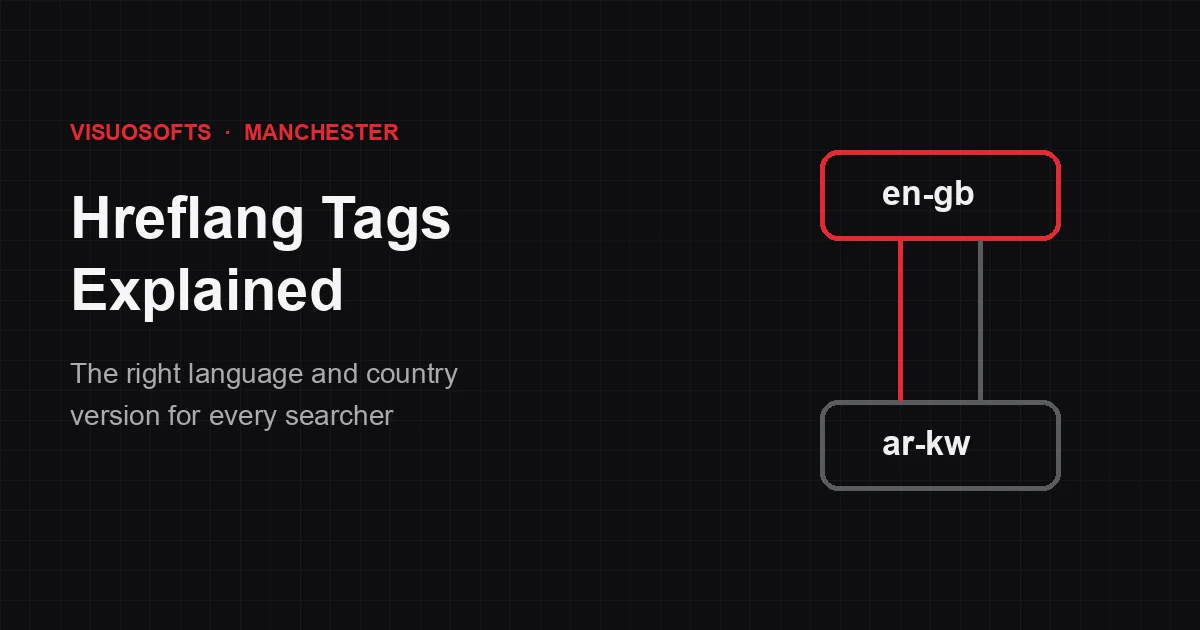
Hreflang tags tell search engines which language and country each version of a page is meant for, so a searcher in Kuwait sees your Arabic page and a searcher in Manchester sees your UK English page. They are one of the most useful tools in international SEO, and one of the easiest to get wrong. This guide explains how hreflang works, the three ways to add it, and the mistakes that make search engines ignore it.
What is hreflang?
Hreflang is an attribute that links equivalent pages written for different languages or regions. Each version of the page lists every alternative, including itself, with a language code and optionally a region code. Google uses these annotations to choose which version to show in search results. It does not boost rankings on its own; it helps the right page rank in the right place.
When do you need hreflang?
- The same content is available in different languages, such as English and Arabic.
- The same language is used for different countries, with differences such as prices, currency, delivery or spelling, for example UK and US English.
- Your pages are partly translated, such as translated navigation with the same main content.
If your site has one language for one market, you do not need hreflang.
How hreflang codes work
The value is a language code in ISO 639-1 format, optionally followed by a region code in ISO 3166-1 alpha-2 format.
| Code | Meaning |
|---|---|
en | English, any region |
en-gb | English for the United Kingdom |
en-us | English for the United States |
ar | Arabic, any region |
ar-kw | Arabic for Kuwait |
x-default | The fallback page for users who match none of the listed versions |
A region code cannot be used on its own: gb is not valid. And the UK's code is gb, not uk, so en-uk is a common but invalid value.
Three ways to add hreflang
1. In the HTML head
Add a link element for every version, on every version:
<link rel="alternate" hreflang="en-gb" href="https://example.com/uk/" />
<link rel="alternate" hreflang="ar-kw" href="https://example.com/kw-ar/" />
<link rel="alternate" hreflang="x-default" href="https://example.com/" />
This is the simplest method for small and medium sites.
2. In HTTP headers
For non-HTML files such as PDFs, send the same information in a Link HTTP header.
3. In the XML sitemap
Each <url> entry lists its alternates using xhtml:link elements. This keeps page templates lighter and is easier to manage on large sites with many languages.
Pick one method per set of pages. Mixing methods is not wrong in itself, but it makes conflicting annotations much more likely.
The rules that make hreflang work
- Return links are required. If the UK page points to the Kuwait page, the Kuwait page must point back to the UK page. One-way annotations are ignored.
- Include a self-reference. Each page lists itself as well as its alternatives.
- Use absolute URLs, including the protocol and domain.
- Point to canonical, indexable pages. Hreflang pointing at a URL that redirects, returns an error, is blocked, or canonicalises elsewhere sends mixed signals.
- Keep canonicals per language. Each language version should canonicalise to itself, not to the English page.
Common hreflang mistakes
Missing return tags. The single most common problem, usually because one language version was updated and the others were not.
Invalid codes. en-uk, eng or region-only values.
Canonicalising translations to the main language. This tells Google the Arabic page is a duplicate of the English one, which cancels the hreflang.
Automatic redirects by location. If visitors, and Googlebot, are redirected based on IP address, crawlers may never see some versions. Suggest a version with a banner instead, and let people choose.
Relying on hreflang alone. Hreflang helps choose between versions; it cannot make a thin or machine-translated page rank. Each version still needs content written for its market.
What about Bing?
Bing treats hreflang as a weaker signal and also looks at the content-language meta tag or HTTP header, along with other location signals. If Bing traffic matters in your markets, set the page language clearly as well.
How to check your hreflang
- Crawl the site with a tool that reports hreflang errors, such as Screaming Frog or Semrush Site Audit.
- Use URL Inspection in Google Search Console to confirm which canonical Google chose for each version.
- Check performance by country in Search Console to see whether the right version appears in each market.
Frequently asked questions
Do hreflang tags improve rankings?
Not directly. They help search engines show the correct language or country version of a page, which improves relevance and user experience in each market.
What is x-default in hreflang?
x-default marks the page to show users whose language or country does not match any listed version, often a global homepage or a language selector.
Is en-uk a valid hreflang code?
No. The region code for the United Kingdom is GB, so the correct value is en-gb.
Should I use subfolders or country domains for international SEO?
Subfolders keep authority on one domain and are easier to maintain. Country domains send a strong local signal but need their own links and upkeep. Hreflang works with either.
Planning an international site?
Our international SEO services cover market research, site structure, hreflang and localised content, from offices in Manchester and Kuwait. If you are unsure whether your current setup is sound, a technical SEO audit or our technical SEO services will find the problems.