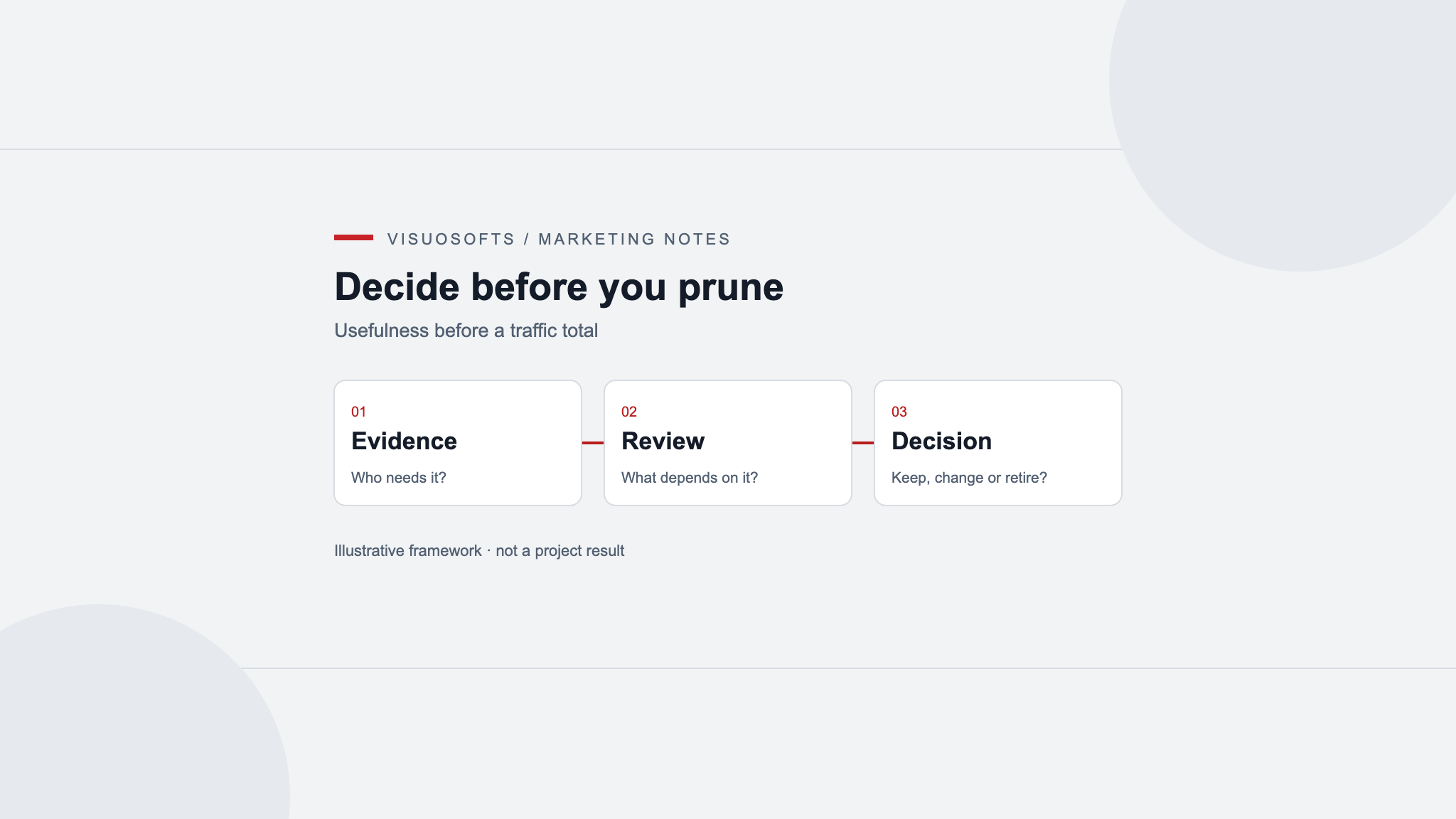
Content pruning is the decision to retain, improve, combine, archive or remove existing pages. It should begin with the purpose of each page and the consequences of losing it. Low traffic is a reason to investigate, not a deletion instruction. A useful checklist protects specialist information and customer dependencies while identifying content that no longer deserves a separate public destination.
Define the problem you are trying to solve
Describe the actual issue before selecting pages. The library may contain obsolete offers, repeated articles, unsupported claims or abandoned campaign pages. Those problems need different treatments. A target to remove a percentage of URLs encourages arbitrary decisions and provides no evidence that the remaining website will serve readers better.
Set boundaries for the review. Identify the sections included, the people who can approve removals and any records that must be retained for operational reasons. Work on a copy of the inventory and preserve content through the normal backup process. A reversible editorial review is easier to assess than a batch of unexplained deletions.
Check whether the evidence is complete
Record the page's age, purpose, search visibility, observed use and important incoming links where data is available. Note gaps explicitly. A tracking failure, recent publication or a seasonal audience can make an otherwise useful page look inactive. Compare a period appropriate to the topic rather than applying one short window across the entire site.
Ask sales, support and operations whether they send the page to customers. A rarely visited installation guide may prevent a serious misunderstanding for the people who need it. Likewise, an archive may document an older product still in use. Those functions will not necessarily appear in a standard acquisition report.
Evaluate usefulness before choosing a treatment
Read the page and identify its remaining audience. Does it answer a distinct question accurately? Can the business still support the offer? Is its information available more clearly elsewhere? Separate a page that needs maintenance from one whose purpose has ended. A refresh changes the content; pruning decides whether the destination should continue to exist.
Google's people-first content guidance provides questions about usefulness and reliability. Apply those questions to the actual material. Neither an old publication date nor a short article establishes poor quality by itself, and removing pages does not come with an automatic promise of better rankings.
Choose among five defensible outcomes
| Decision | When it fits |
|---|---|
| Retain | The page still answers a distinct, accurate and useful question. |
| Improve | The purpose remains valid but information or presentation needs work. |
| Combine | Several pages can serve one task better as a consolidated resource. |
| Archive | Historic information remains useful when clearly labelled and contextualised. |
| Remove | The content has no continuing purpose or suitable replacement. |
For a hypothetical withdrawn training course, an old sales page should not continue to invite bookings. A current replacement course may justify a relevant redirect, while historic course materials may warrant a clearly labelled archive. If neither is useful, removal can be appropriate. The decision follows the visitor's need rather than the page's previous marketing role.
Review dependencies before approving removal
Check internal navigation, downloads, email templates and known external references. Identify content that would become incomplete if the page disappeared. A definition page might support several technical articles, while a retired offer may still be linked from a current comparison. Include those source changes in the same implementation plan.
For a merge, approve the destination's content first and preserve the unique useful material. Record why it answers requests previously served by the old URLs. Do not redirect an unrelated page solely because it has links or traffic. A technically valid destination can still be a poor answer for the visitor.
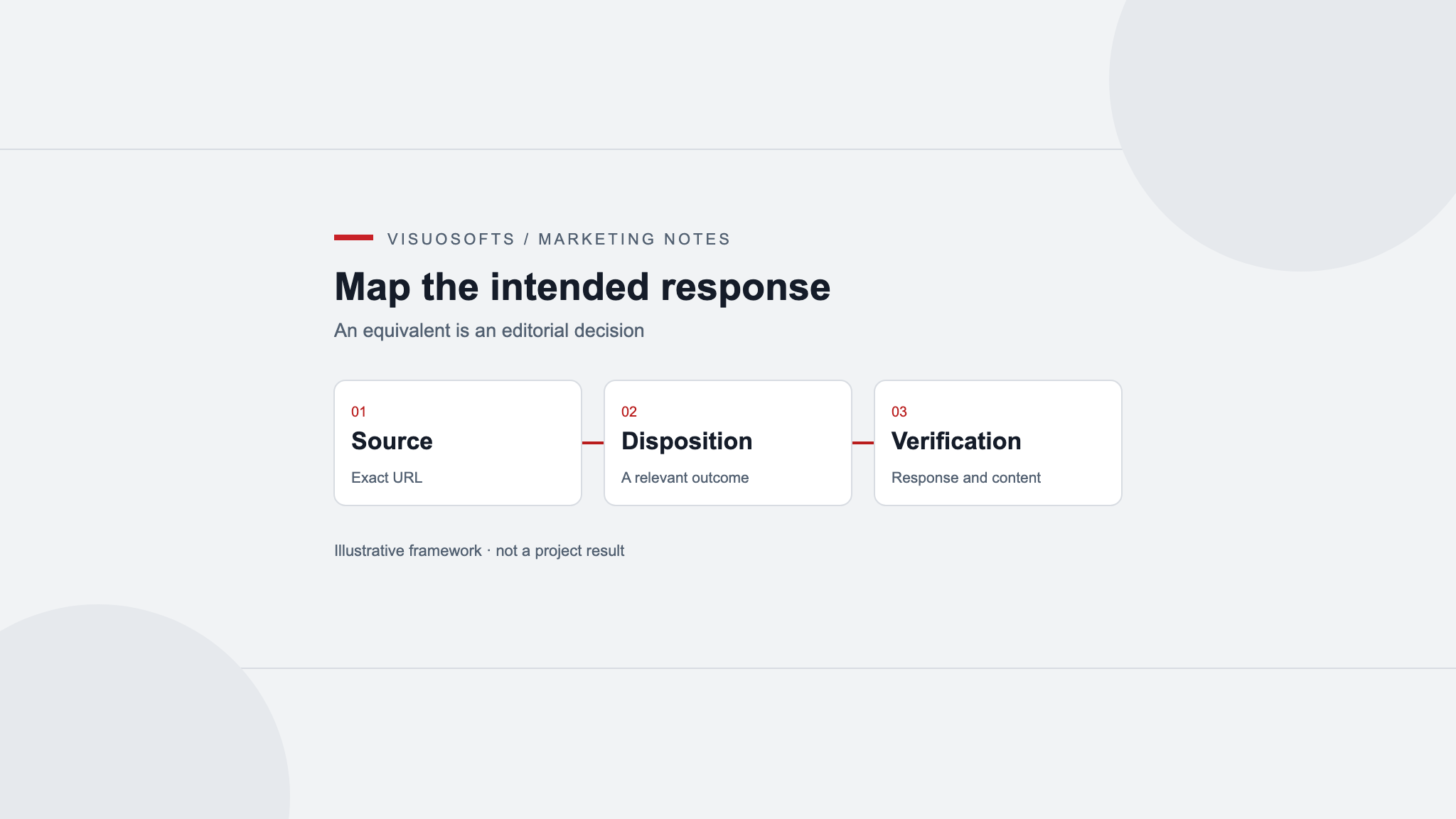
Specify the intended public response
Have a developer distinguish actual removal from a move and from a page retained outside search. Google's HTTP status documentation explains how error responses affect crawling and indexing. A removed page should not keep returning a normal success response with only an empty template or a misleading error message.
If the page must remain accessible but should not appear in search, review Google's noindex guidance. Google must be able to crawl the page to see that instruction. Noindex is not access control, so confidential records require proper authentication rather than an indexing setting.
Release changes in reviewable groups
Group similar decisions and keep a record of the source, action, destination where relevant, approver and expected result. Check important exceptions manually. A small rehearsal can reveal a rule that accidentally affects retained content before a larger batch is applied. Preserve the information needed to correct an inappropriate removal.
After approved changes go live, verify status responses, redirects and affected links. Monitor support questions and relevant landing-page behaviour as well as search reports. Record unexpected effects and investigate them; do not assume every later traffic change was caused by the pruning exercise.
Keep the decision record useful
Assign review dates to archived or deferred pages, and explain what evidence is still missing. Some decisions should remain open until a service owner confirms whether an offer continues. That is a more useful outcome than forcing every row into a final state before the necessary facts are available.
Visuosofts' content marketing service can be discussed around a clear retention and review plan. Use redirect mapping for approved moves and merges. Contact Visuosofts with your inventory and the content problems you want the review to resolve.