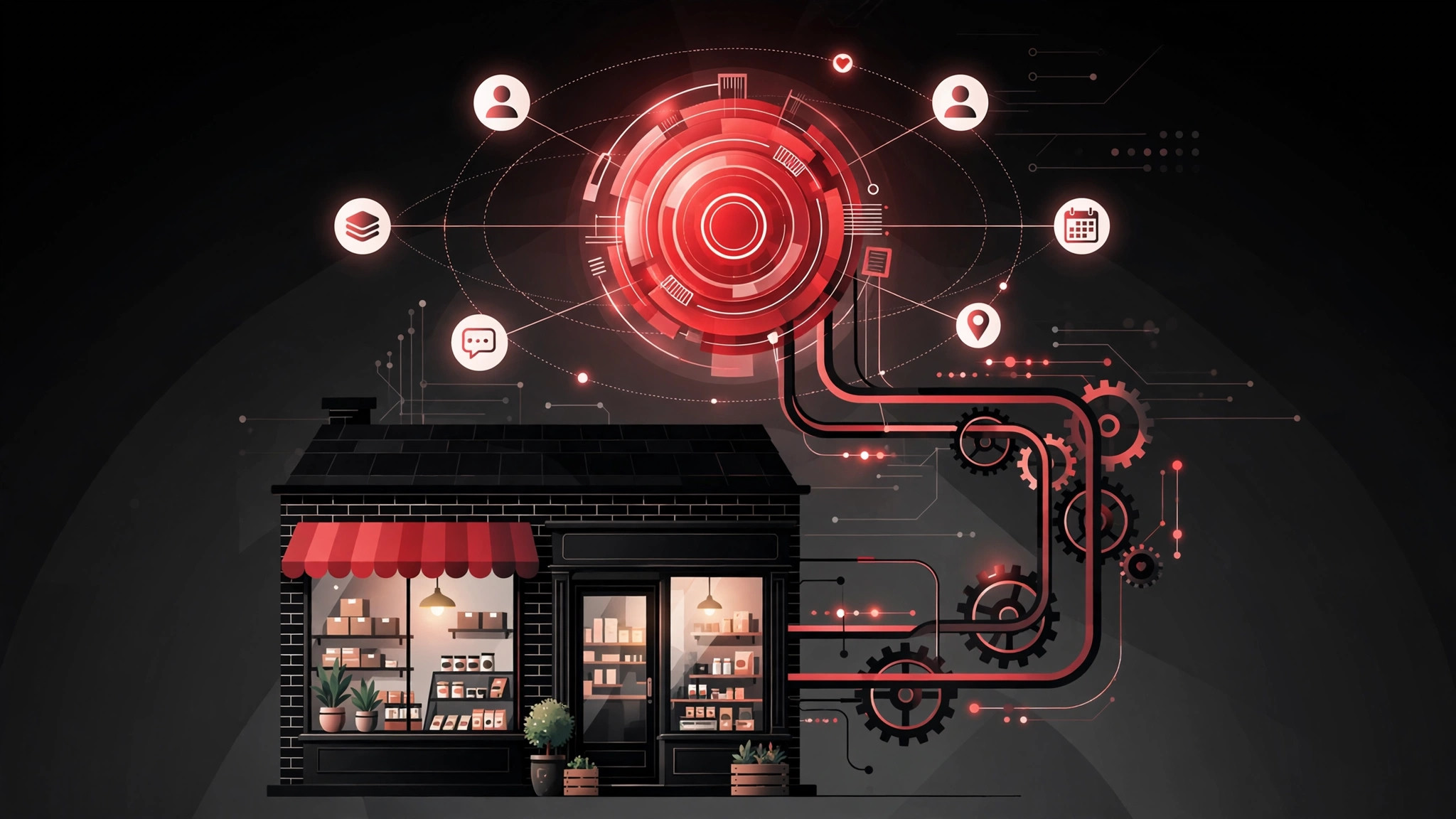
CRM — customer relationship management — suffers from an image problem among small businesses. It sounds like enterprise software: expensive, complicated, and built for companies with a sales department the size of your entire team. In reality, a CRM is simply a system for remembering everything about your customers and prospects so nothing falls through the cracks.
This guide explains how CRM works in a small business setting: what it does day to day, how it fits businesses with a handful of people rather than hundreds, and how to get value from it without drowning in complexity.
What a CRM actually is (in plain English)
A CRM is a central record of every customer and prospect, and every interaction you have ever had with them. One place where you can see: who they are, how they found you, what you have discussed, what you quoted, what they bought, when you last spoke, and what needs to happen next.
That is it. Everything else — pipelines, automation, reporting — is built on that foundation. If your current "system" is a mix of inbox, spreadsheets, memory, and sticky notes, you already do CRM; you just do it badly, in five places, with no backup. A proper CRM moves all of it into one reliable system the whole team can see.
For a small business, the practical difference is immediate. A customer calls and anyone who answers can see their full history — no more "let me check with Dave, he's dealing with that". A quote follow-up does not depend on someone remembering. When a team member is off sick or leaves, their customer knowledge stays in the business instead of walking out with them.
The core pieces: contacts, pipeline, and activities
Most small-business CRMs organise around three concepts. Contacts (and companies) are the people and organisations you deal with — details, history, documents, everything in one record. The pipeline is your sales process made visible: leads move through stages like New Enquiry, Qualified, Quoted, Negotiation, and Won, so you can see at a glance where every opportunity stands and what the coming weeks look like. Activities are the tasks that move things forward — calls to make, emails to send, meetings to hold — each attached to the right record with a due date.
A typical day with a CRM looks like this: you open it in the morning and see today's follow-ups. You work through them — call, email, log the outcome in two clicks. New enquiries from the website appear automatically, assigned to the right person. At the end of the week, you look at the pipeline and know roughly what revenue is coming. Nothing heroic; just nothing forgotten.
Email integration is what makes this painless rather than burdensome. With your inbox connected, emails to and from customers attach themselves to the right records automatically — no manual logging, no copy-pasting. This single integration is the difference between a CRM the team uses and one they resent.
How small businesses actually use it across the customer journey
Winning new business: Website enquiries flow straight into the pipeline. The system assigns them, reminds you to follow up fast, and tracks each opportunity through to won or lost. You stop losing leads to slow responses and forgotten callbacks — the two biggest silent killers of small-business sales.
Delivering the work: Once a deal is won, the record carries the full context into delivery — what was promised, what was quoted, who said what. Handover between sales and delivery stops being a game of telephone.
Keeping customers: The CRM remembers what a spreadsheet forgets: when to check in, when contracts renew, who has not ordered in a while, whose birthday or business anniversary is coming up. Systematic follow-up is how small businesses generate repeat revenue without a marketing department.
Learning what works: Even basic reporting answers powerful questions: where do our best customers come from? Which quotes convert? How long does our sales cycle take? Small businesses that know these numbers make better decisions than larger competitors running on gut feel.
Many businesses start with lead handling specifically — if that is your priority, our guide to lead management software goes deeper on choosing the right tool.
Choosing and setting up a CRM without the pain
Start with your process, not the software. Sketch your actual sales stages on paper first — how a lead really becomes a customer in your business. Then find a CRM whose pipeline can mirror that, rather than contorting your business into a template.
For most UK small businesses, the mainstream options (HubSpot's free tier, Pipedrive, Zoho, and similar) cover everything needed at sensible cost. Favour simplicity and adoption over feature lists — the best CRM is the one your team actually opens every day. Trial with real data and the real people who will use it; a demo with sample data tells you nothing about daily reality.
Keep the setup lean. Five pipeline stages, a handful of required fields, the essential integrations (email, website forms, calendar). You can add sophistication later; you cannot recover from a launch so complicated that the team quietly goes back to spreadsheets. Migrate data carefully — clean it first, because importing five years of messy spreadsheets just gives you a messy CRM faster.
And when your process is genuinely unusual — industry-specific workflows, complex quoting logic, deep integration with bespoke systems — packaged software starts fighting you. That is when a custom CRM build becomes the economical choice: software shaped around your business instead of the other way round.
The mistakes that kill CRM projects
Most CRM failures are human, not technical. The classic ones: buying for features instead of fit, and ending up with complexity nobody uses. Letting one enthusiast configure it in isolation, producing a system that matches their brain and nobody else's. Skipping training and expecting adoption by memo. Requiring so much data entry that using the system feels like punishment — every mandatory field should earn its place. And the deadliest: no clear owner, so data quality rots and the system slowly becomes untrusted and unused.
The antidote is boring: one owner, simple setup, minimal required fields, regular short training, and leadership visibly using the system themselves. A CRM the boss ignores is a CRM the team ignores.
FAQs
Does a small business really need a CRM?
If you have more customers and prospects than one person can reliably track in their head — usually somewhere past twenty active relationships — yes. The cost of forgotten follow-ups, lost enquiries, and knowledge walking out the door with departing staff almost always exceeds the cost of the system.
How much does CRM software cost for a small UK business?
Many good options start free for small teams, with paid tiers typically £10–£40 per user per month. Custom-built CRMs cost more up front but remove per-user fees and fit unusual processes exactly. The expensive part is rarely the subscription — it is the time invested in setup and adoption.
What is the difference between a CRM and a spreadsheet?
A spreadsheet stores information; a CRM manages relationships. The CRM connects contacts to their full interaction history, automates follow-ups and reminders, tracks opportunities through a pipeline, integrates with email and your website, and gives every team member the same live picture. A spreadsheet can list customers; it cannot run your sales process.
How long does it take to get a CRM running?
A simple setup for a small team typically takes two to six weeks including data migration and training. The timeline depends more on how clean your existing data is and how clearly you have defined your sales stages than on the technology itself.
Will my team actually use it?
They will if it makes their lives easier rather than harder: keep it simple, integrate email so logging is automatic, minimise mandatory fields, train properly, and make sure leadership uses it visibly. Adoption is a management challenge, not a software problem — plan for it accordingly.
Contact us for straight advice on getting CRM right in your business — whether that means choosing packaged software or building something bespoke.


