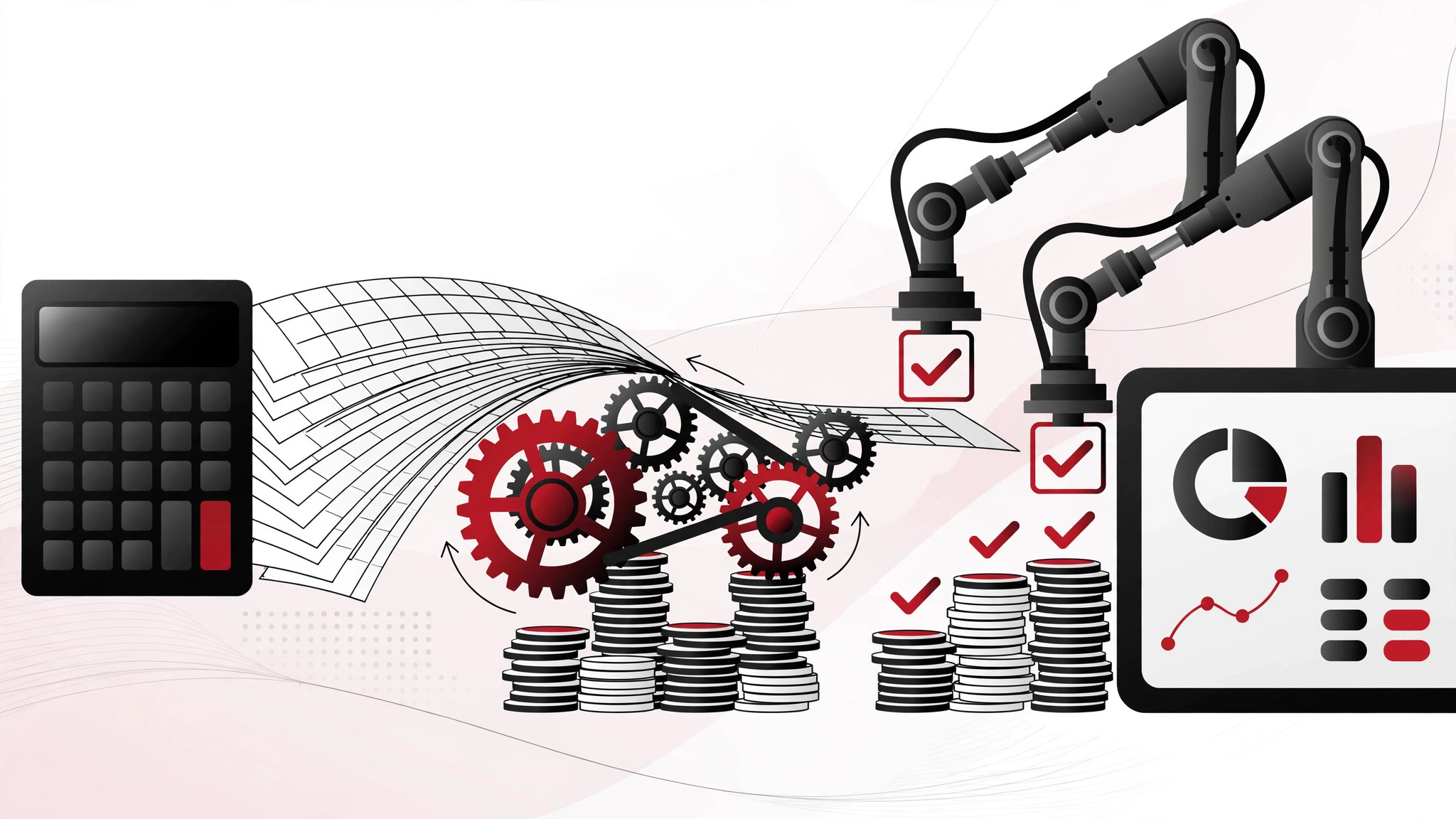
Every finance team knows the monthly grind: chasing invoices, keying in expenses, reconciling bank statements, assembling reports from five different spreadsheets. Accounting workflow automation replaces those manual routines with software that captures, routes, approves and records financial tasks automatically. This guide explains what it is, which workflows to automate first, how to choose tools, and how to roll it out without disrupting month-end.
What accounting workflow automation actually means
At its simplest, it means defining the steps of a finance process once — who approves what, in which order, with what checks — and letting software execute those steps instead of people pushing paper (or emails) around. A purchase invoice arrives, gets matched to a purchase order, routes to the right approver based on its value, posts to the ledger, and schedules payment. Nobody retypes anything; nobody chases anyone.
The technology underneath is a mix of the mature and the modern: optical character recognition that reads invoices, rules engines that route approvals, integrations that sync data between systems, and increasingly AI that categorises transactions and flags anomalies. You do not need to understand the plumbing — you need to know which of your workflows are drowning your team.
Which workflows to automate first
Accounts payable. The classic starting point and usually the biggest win. Invoice capture, three-way matching against orders and receipts, approval routing by value threshold, and scheduled payments. AP automation alone can cut processing time dramatically while catching duplicate invoices humans miss.
Expense management. Photo the receipt, the app reads it, policy checks run automatically, the manager approves on their phone, and it posts to the ledger. The days of month-end expense spreadsheet archaeology end here. Staff actually like this one — it removes a chore everyone hates.
Bank reconciliation. Daily automated matching of bank transactions against ledger entries, with only the exceptions flagged for human review. For businesses with high transaction volumes, this turns a multi-day monthly task into a background process.
Payroll data flows. Timesheets, overtime, bonuses and deductions flowing automatically into payroll instead of being re-keyed. Fewer errors, and payroll stops being the monthly fire drill.
Management reporting. Scheduled reports that assemble themselves from live data — P&L, cash flow, aged debtors — instead of someone spending two days a month building them in Excel. The reports are also more current, which makes them more useful.
Start with the workflow that costs the most staff hours or causes the most errors. Do not automate everything at once — sequence the wins.
Choosing the right tools
The market splits into three layers. Your accounting platform (Xero, Sage, QuickBooks and their peers) increasingly includes built-in automation for core workflows — check what yours already does before buying anything else. Many businesses pay for automation they already own. Specialist tools handle individual workflows deeply: AP automation, expenses, reconciliation. These suit businesses where one process is particularly painful. Integration platforms connect everything together when you run multiple systems that need to share data cleanly.
When evaluating, ask: does it integrate natively with our accounting software (not via fragile workarounds)? How does it handle our approval hierarchies and edge cases? What is the audit trail like — can we see who approved what and when? Where is our financial data stored, and what are the access controls? What happens to our data if we cancel? And insist on a trial with your real invoices and your real approval chains, not the vendor's demo data.
Implementation without the pain
Map the process before you automate it. Document how the workflow actually runs today — including the informal workarounds everyone uses. Automating a broken process just produces broken results faster. Fix the obvious inefficiencies first.
Clean your master data. Supplier records with five duplicate entries, inconsistent nominal codes, outdated approval lists — automation amplifies data quality problems. A data cleanup sprint before go-live pays for itself many times over.
Run parallel for one cycle. Run the automated workflow alongside the old manual process for one full month-end. Compare outputs, investigate every discrepancy, and only switch off the old way when the new way has proven itself. This feels slow; it prevents disasters.
Train for exceptions, not just the happy path. Staff need to know what the system does automatically, what it flags, and exactly what to do with flagged items. The most common implementation failure is a team that trusts the automation completely and stops checking the exceptions queue.
Keep the auditors happy. Automated workflows need to produce evidence: approval logs, segregation of duties, change histories. Confirm with your accountant or auditor that the system's audit trail meets their requirements before you commit — discovering a gap at year-end is an expensive surprise.
What it costs and what it saves
Costs vary from modest subscriptions for single-workflow tools to significant investments for full finance automation suites, plus implementation time. The honest way to evaluate is a simple before-and-after: hours spent per month on the workflow today (including error correction and chasing), multiplied by the loaded cost of that time, versus the total cost of the automated alternative. Most AP and expense automation projects justify themselves on time saving alone; the error reduction and faster closes are bonus.
Also budget for the transition: data cleanup, process mapping, training, and the parallel-run period all consume staff time. Underestimating this is the most common reason implementations feel more expensive than expected.
FAQs
Will automation replace our finance staff?
No — it changes what they do. Data entry and chasing disappear; analysis, judgement and business partnering expand. In practice, most businesses find their finance team finally has time for the work they were hired to do: understanding the numbers, not just producing them. Frame it that way from the start and adoption goes far more smoothly.
Is our business too small to benefit?
If you process more than a handful of invoices and expenses a month, probably not. Cloud tools have brought automation within reach of small businesses — many start with just expense management or invoice capture, which need minimal setup. The question is not size but pain: if month-end is painful, automation helps regardless of headcount. Our AI for small business guide covers more ways smaller operations can work smarter.
How do we stay compliant and audit-ready?
Choose tools with proper audit trails — who did what, when, with what authority — and confirm segregation of duties is enforced (the person raising a payment cannot also approve it). Keep your accountant or auditor involved from selection onwards, not just at year-end. And remember UK record-keeping requirements: HMRC expects you to retain business records for the required periods regardless of the system that produced them.
What is the biggest implementation mistake?
Automating the process as documented rather than as actually performed. Every finance team has unofficial workarounds — the approver who is always on holiday, the supplier whose invoices never match. Map reality, fix what is broken, then automate. The second biggest mistake is skipping the parallel run and discovering problems live at month-end.
Can automation integrate with our existing accounting software?
Usually yes — the major UK accounting platforms have mature integration ecosystems, and reputable automation tools build native connectors for them. Verify the specific integration (not just "we integrate with Xero" but which objects, how often it syncs, and how errors surface) during the trial. If your systems need custom connections, our digital marketing and automation team also handles the systems-integration side of finance workflows.
Accounting automation is not about fancy technology — it is about giving your finance team their time back. If you want help mapping which workflows to automate first, get a free consultation.


